




Website migration: a hard call that usually pays off
The clients who come to us asking about migration already know something is wrong. They just want someone to tell them whether fixing it means moving everything.
What migration actually means
A website migration is not a redesign. A redesign changes how a site looks and feels. A migration changes the platform it runs on, the infrastructure underneath it, sometimes the URL structure, and often the CMS that powers it.
The two frequently happen together, but they are distinct decisions with distinct risks. A redesign on the wrong platform is still on the wrong platform. A migration to the right platform with the wrong design is still a bad site. Understanding the difference matters before any decision is made.
When clients come to us with migration requests, the most common scenarios are: a WordPress site that has become slow, expensive to maintain, and dependent on a stack of plugins that nobody fully understands anymore; a custom-built site that the original developer is no longer supporting; a platform that made sense at launch but no longer fits the business as it has grown.
In each case, the question is not just "should we migrate?" but "what are we actually solving, and is migration the most direct path to solving it?"
When we recommend migration
We recommend migration when the current platform is genuinely limiting what the client can do, not just uncomfortable or unfamiliar.
Concrete signals that migration is the right call: the site cannot be edited by the client without developer involvement for routine content changes; page speed is consistently poor and the underlying architecture is the cause, not fixable optimizations; the plugin or extension stack has become a security liability; the design flexibility required for future work is not achievable on the current platform; the hosting and maintenance costs are disproportionate to what the site delivers.
Webflow is our recommended destination for most migration projects we handle. The reasons are practical: it gives clients real editorial control without requiring them to touch code, it handles hosting, performance, and security at a platform level rather than requiring manual management, and it gives us the design control to build something that actually reflects the brand rather than working around theme constraints.
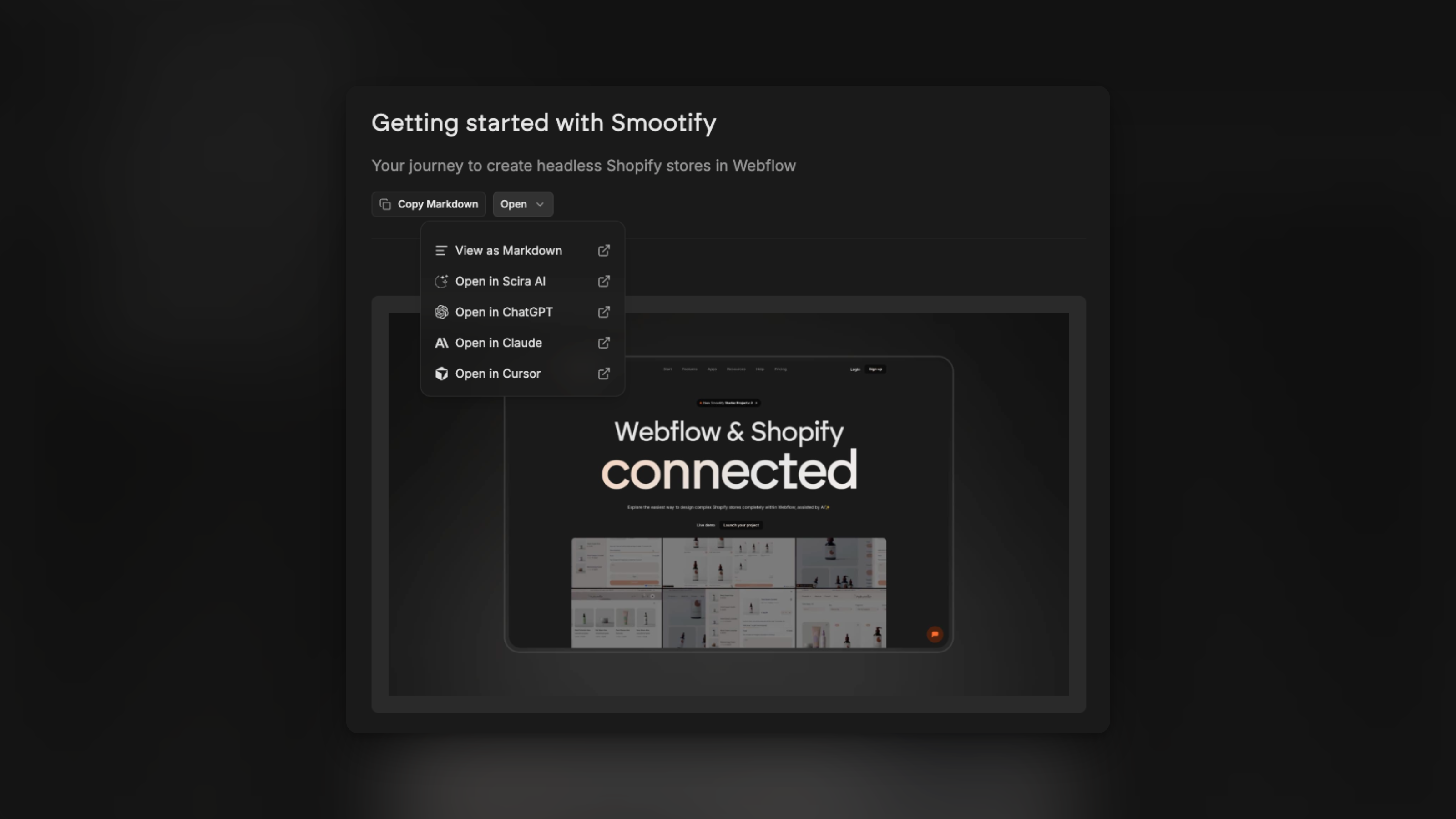
When e-commerce is involved, the picture changes slightly. Shopify handles the commerce layer and Webflow handles the experience layer, connected through Smootify. This stack is more complex to migrate to but more powerful once it is running (Read more about the Webflow and Shopify integration).
The risks that nobody talks about enough
Migration done carelessly is one of the most effective ways to destroy years of SEO work in a matter of days.
Every URL that changes without a proper redirect loses the authority it had accumulated. Every piece of structured data that disappears needs to be rebuilt from scratch. Every internal link that breaks creates a worse experience for users and a weaker signal for search engines.
We have seen clients come to us after migrations handled by other agencies where rankings dropped by forty or fifty percent and took over a year to recover. In some cases they never fully recovered. The migration itself was technically complete. The SEO consequences were never considered.
Our migration process always starts with a full content and URL audit. We map every existing URL to its destination, we identify which pages carry significant authority, we plan the redirect structure before a single page is moved, and we verify everything post-launch before the old site is taken down.
This is not optional. It is the part of the process that protects the investment the client has already made, not just the investment they are about to make.
What the timeline actually looks like
Clients frequently underestimate how long a proper migration takes. The development work is one part of it. The audit, the content review, the redirect mapping, the QA, the post-launch monitoring: these add time that is easy to cut when there is deadline pressure and easy to regret when something goes wrong.
A straightforward migration of a mid-sized site, thirty to sixty pages, with a clear content structure and no significant e-commerce complexity, typically takes six to ten weeks done properly. Larger sites, sites with complex URL structures, or sites where content needs to be reorganized rather than just moved take longer.
We are direct with clients about this timeline from the start. A migration that is rushed to meet an arbitrary deadline is a migration that will need to be revisited.
When migration is not the answer
Not every problem requires moving platforms.
If the issue is primarily visual, a redesign on the existing platform is often faster and less risky. If the issue is content strategy, a new platform will not fix it. If the issue is performance and the site is on a platform that can perform well, optimization work is a better first step than migration.
We tell clients when migration is not what they need, even when they have come to us specifically asking for it. That conversation is sometimes uncomfortable. It is always more useful than agreeing to a project that will not solve the actual problem.
The right migration, done with the right preparation, is one of the highest-leverage investments a business can make in its web presence. The wrong one, or the right one done carelessly, is an expensive lesson.
We have done enough of both to know the difference.



.jpeg)

.avif)


.avif)