



.avif)
Working with the Webflow + Claude connector
There is a version of AI integration that sounds impressive in a blog post and does very little in practice. This is not that.
What the connector actually is
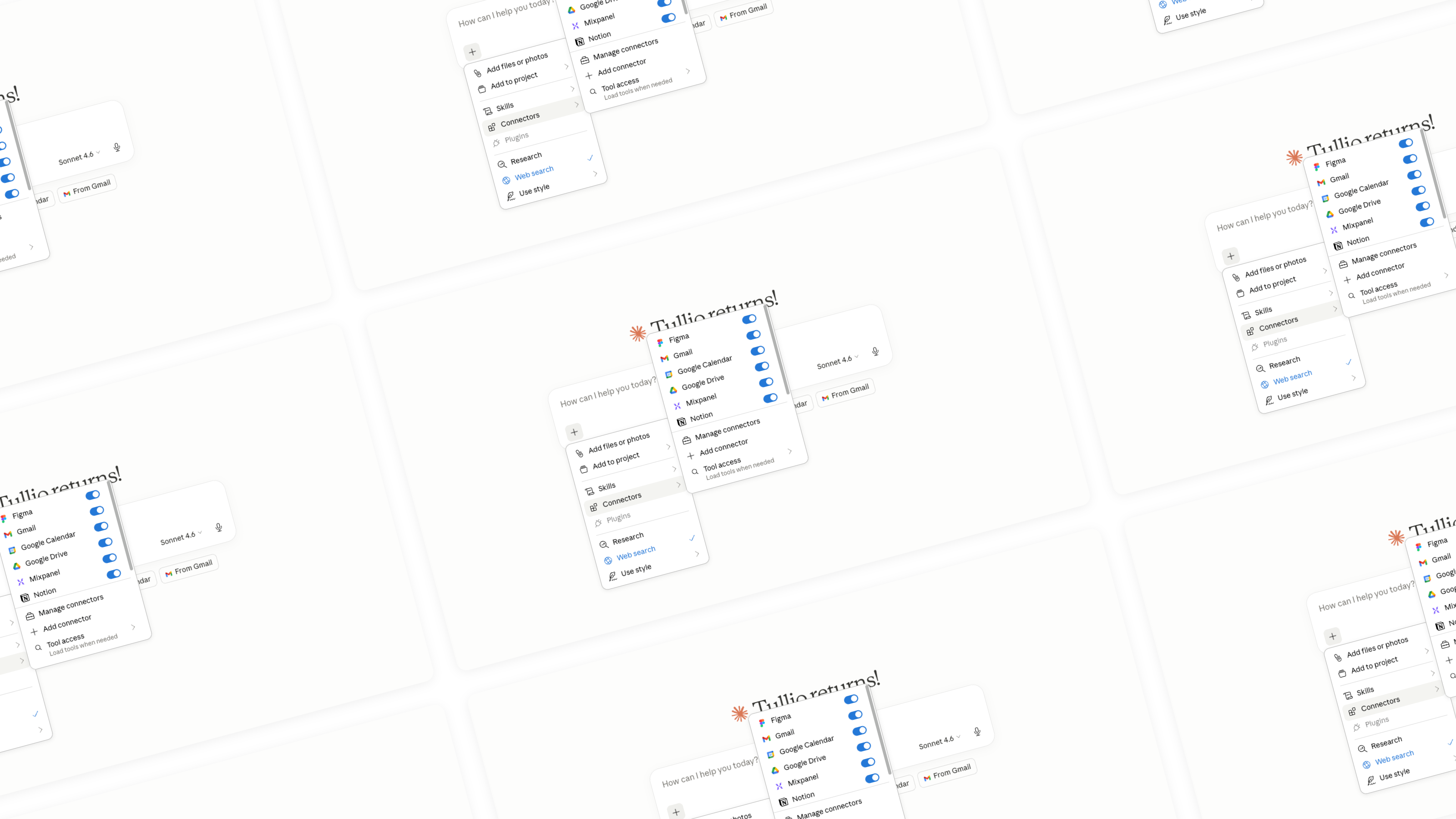
Webflow recently launched an official connector that allows Claude to take direct actions inside a Webflow project. Not just generate suggestions you then have to implement manually, but actually interact with your site: managing CMS content, running audits, updating page settings, working with structure.
It is built on MCP, the Model Context Protocol, which is becoming the standard way for AI systems to connect with external tools. The fact that this is a first-party integration from Webflow matters. It is not a workaround or a browser automation hack. It is a sanctioned, maintained connection between two platforms we use every day.
Claude can now design pages, manage CMS content, and structure Webflow sites in response to natural language prompts, working directly with your site rather than stopping at suggestions. webflow
Where it changed our workflow
We were skeptical at first. AI tools that promise to "work inside your tools" often mean they can read a screenshot and tell you what to click. The Webflow connector is genuinely different.
The area where we felt the impact immediately was CMS management. When a client has a large collection of items that need consistent updates, whether that is adding a missing field across hundreds of entries, reformatting a date format, or auditing which items are missing SEO metadata, that kind of work is tedious and error-prone when done manually. With the connector, you describe what you need, Claude queries the collection, identifies the issues, and executes the changes.
The second area was audit work. Before starting optimization work on any site, we typically run through a checklist: page titles, meta descriptions, schema markup, heading hierarchy, image alt attributes, broken links. That process now moves significantly faster. We can ask Claude to go through a site and surface everything that needs attention, with enough context to prioritize what matters most.
The third area is one we are still developing: using Claude to help structure new pages before we design them. Starting from a content brief or a client prompt, the connector can scaffold a page structure in Webflow that we then refine visually. It is not a replacement for design judgment. It is a way to compress the early structural work and get to the interesting decisions faster.
What we still do ourselves
It would be dishonest to frame this as a full automation of agency work. It is not, and we would not want it to be.
Visual design decisions, interaction design, the choice of how a section feels to scroll through, the judgment call on whether a layout is communicating the right hierarchy: none of that is delegated. Claude is a capable collaborator on structured, repeatable tasks. It is not a designer.
There is also a discipline required on our side. The quality of what the connector can do is heavily dependent on how clearly you brief it. Vague instructions produce vague results. The investment in learning how to communicate precisely with AI tools is real, and it compounds over time.
Why this matters for agencies specifically
Agencies operate on time. Every hour spent on work that is structural rather than creative is an hour not spent on the decisions that actually differentiate a project.
The Webflow and Claude connector does not change what good work looks like. It changes how much time separates the brief from the output. For an agency like ours, where the portfolio of active projects runs in parallel and client expectations around turnaround are high, that compression has direct business value.



.jpeg)

.avif)